

Projects: Connecting People, Time, and Billing
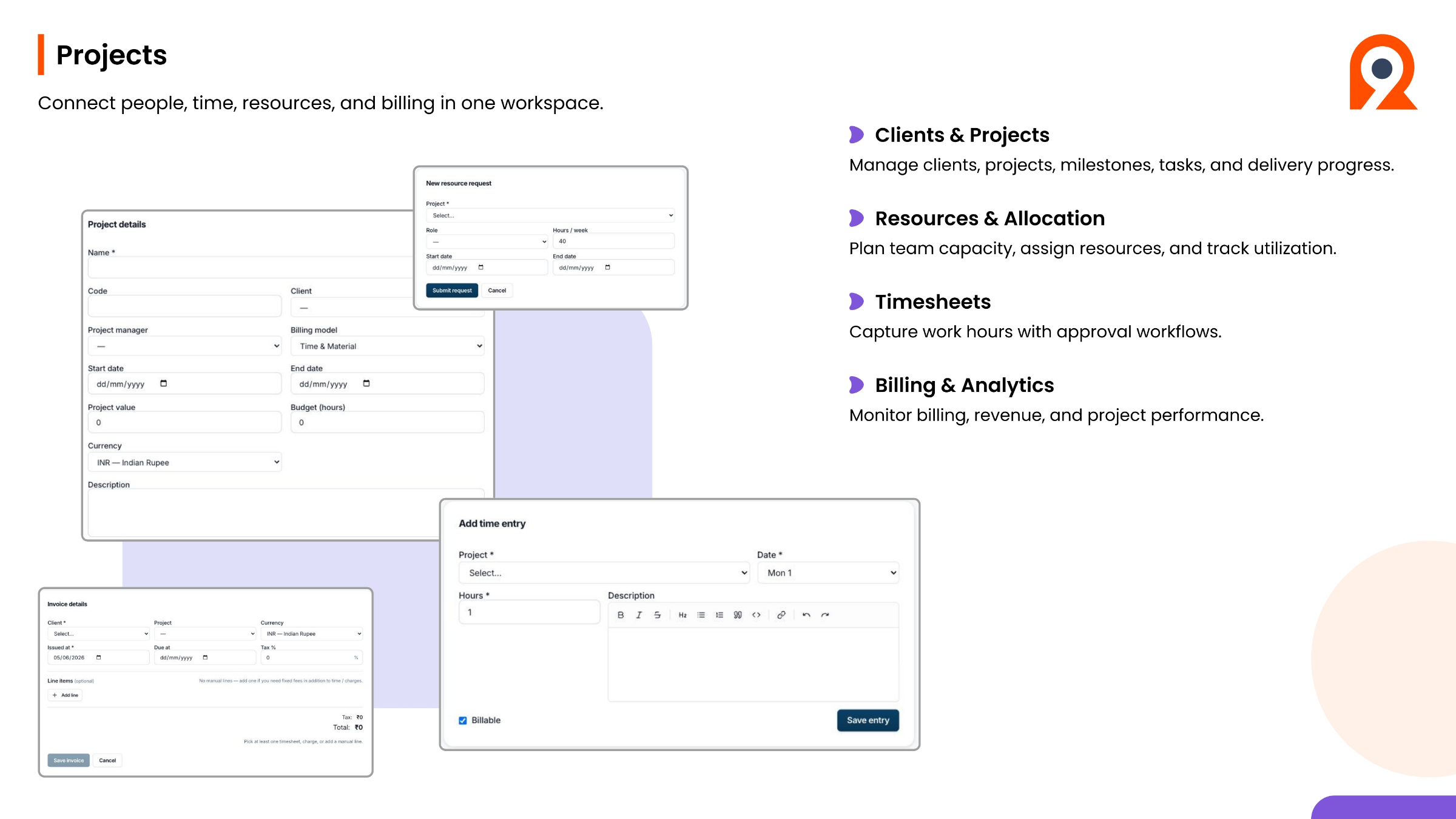
Ninerole's Projects module connects people, time, resources, and billing within one workspace, optimizing project management. It effectively manages clients and projects, overseeing milestones, tasks, and delivery progress. The system supports resources and allocation planning, enabling teams to plan capacity, assign resources, and track utilization efficiently. Timesheets allow for accurate capture of work hours with integrated approval workflows. Furthermore, the Billing and Analytics features monitor billing, revenue, and overall project performance, providing critical insights for financial management and project success.
Step-by-step guides
Back to all modules · Ninerole HRMS overview
Common questions
Why can't I create a project?
Almost always because the client does not exist yet. Create the client first, then the project. Full guide
How do I staff someone to a project?
Use client staffing to deploy employees onto the project and set the billing behind that deployment. Full guide
Why is a project missing from my timesheet?
You are not staffed to it. Ask your project manager to add you in client staffing. Full guide