
Administration and Organization Settings
The Administration work area holds the settings that apply across all nine workspaces rather than to any single one: your organization's structure, who can see and do what, and how access is governed and audited.
Security and access
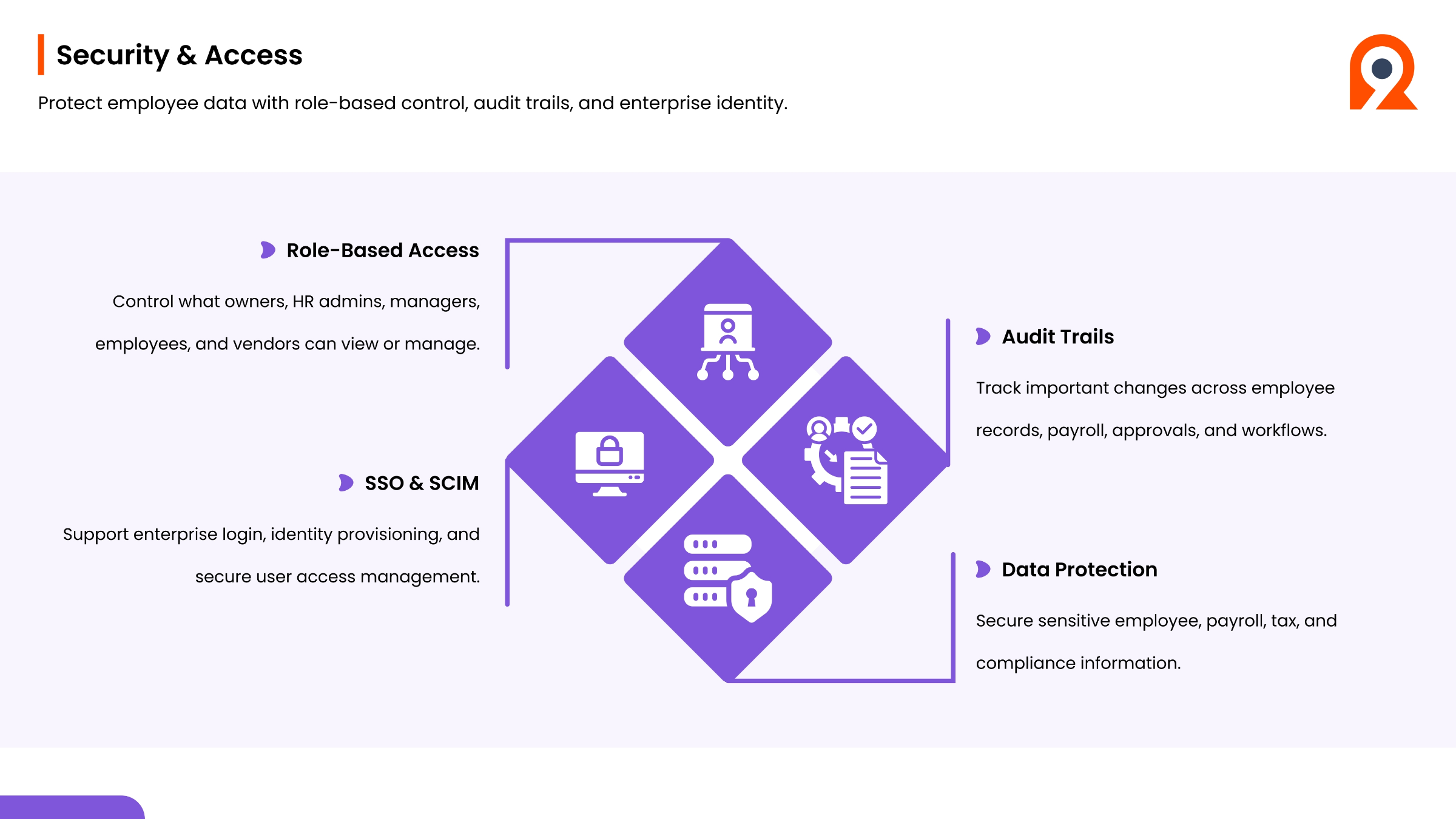
Ninerole prioritizes the protection of employee data through security and access controls, audit trails, and enterprise identity management. It features role-based access, allowing precise control over what owners, HR admins, managers, employees, and vendors can view or manage. The system supports Single Sign-On and SCIM for enterprise login, identity provisioning, and secure user access management. Comprehensive audit trails track important changes across employee records, payroll, approvals, and workflows, ensuring accountability and compliance. Furthermore, Ninerole provides strong data protection for sensitive employee, payroll, tax, and compliance information.
Step-by-step guides
Back to all modules · Ninerole HRMS overview
Common questions
What do I set up first in a new Ninerole account?
Company details, then business units, then roles. Everything else depends on those three. Full guide
How do I control what a user can see?
Create a role with the permissions you want and assign it on the employee record. Full guide
Why can't a user see a section?
Either the permission is not in their role, or the role is not assigned on their employee record. Full guide