

Create and Manage Courses
This tutorial guides you through creating and managing courses within the Ninerole HRMS platform. You will learn how to navigate the system and configure course details effectively.
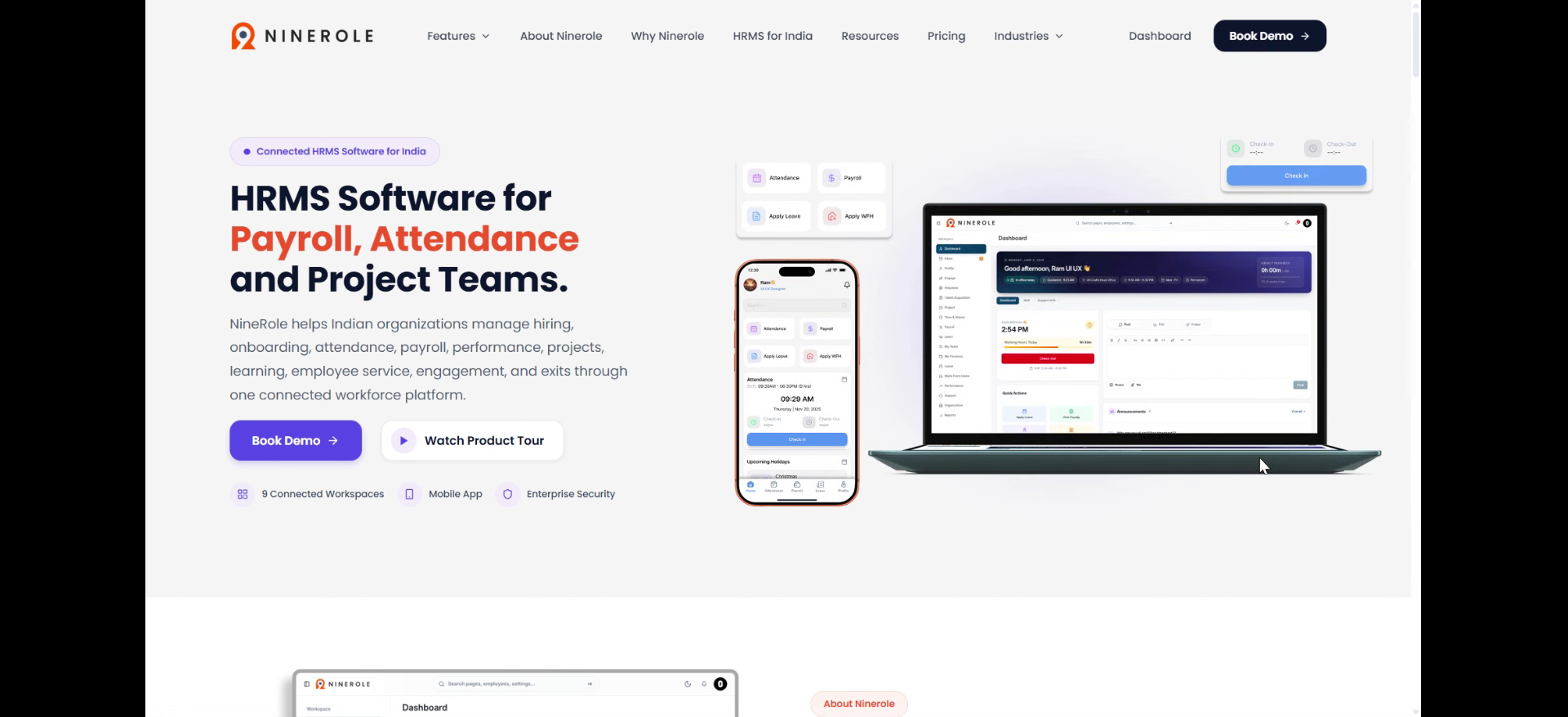
Before you start, go to ninerole.com.
About this task
- Purpose
- Build a course with its lessons and assessment so employees can be enrolled and their progress tracked.
- Who can do this
- HR admin or a learning administrator
- You will need
- Course title and description, lesson content, and any quiz or assessment.
- Result
- A course exists in Learning and employees can be enrolled on it.
- This unlocks
- Enrolment, quizzes and certification; results show on the employee's profile.
This guide answers
- How do I create a course?
- How do I add lessons?
- How do I add a quiz or assessment?
- How do employees get enrolled?
- Where do results appear?
If something goes wrong
- Employees cannot see the course.
- It may not be published or assigned yet. Check the course status and enrolment.
- A quiz does not appear.
- The assessment must be added to the course and saved before it becomes visible.
Related: Live & external trainingAlso called: training course, learning module, e-learning.Last verified: 7 September 2026
1. Introduction
You will learn how to navigate the system and configure course details effectively.
Open the Learning module
2. Access the Ninerole dashboard
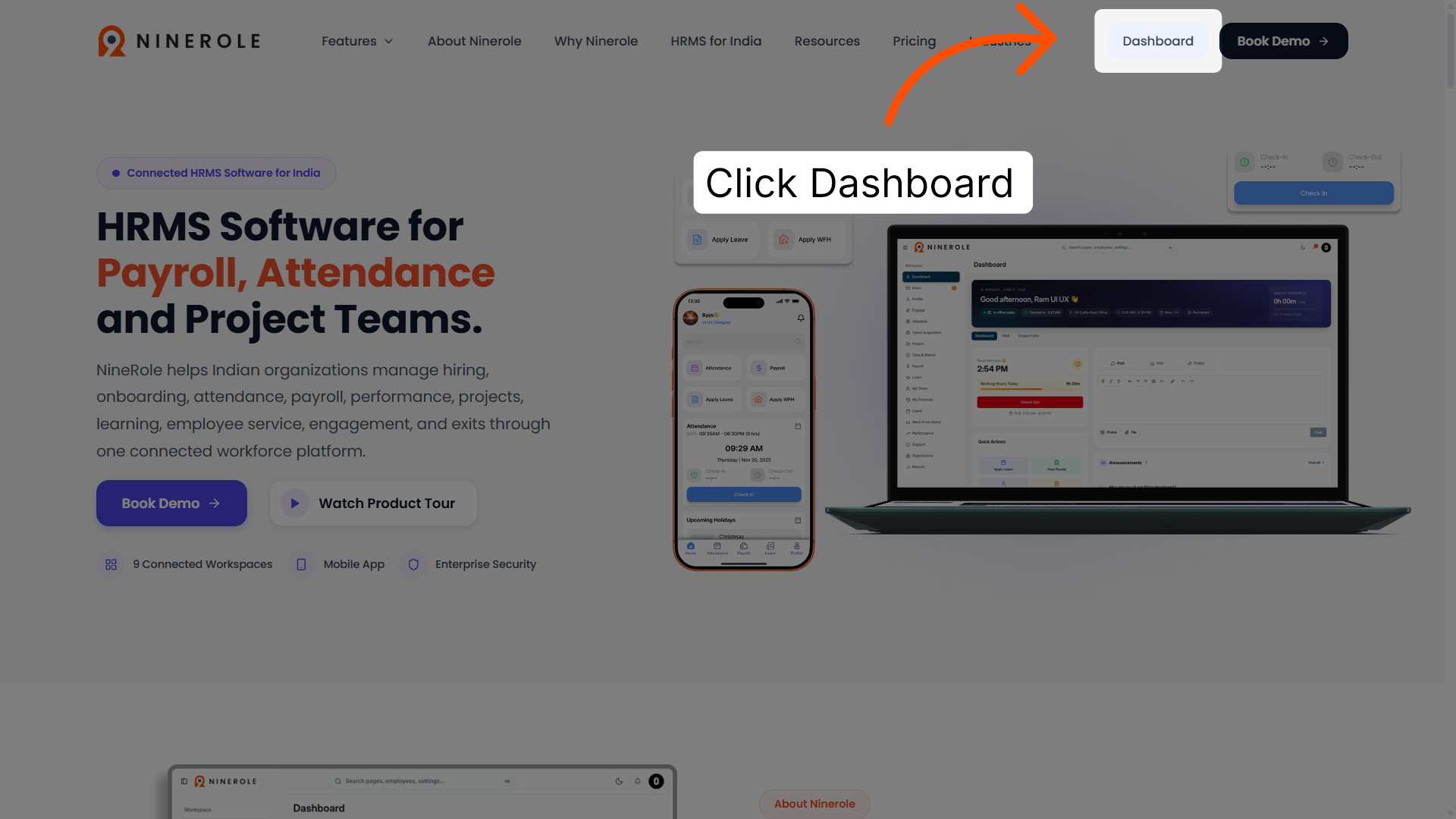
Click Dashboard to open the main overview page of the Ninerole HRMS platform.
3. Open Administration
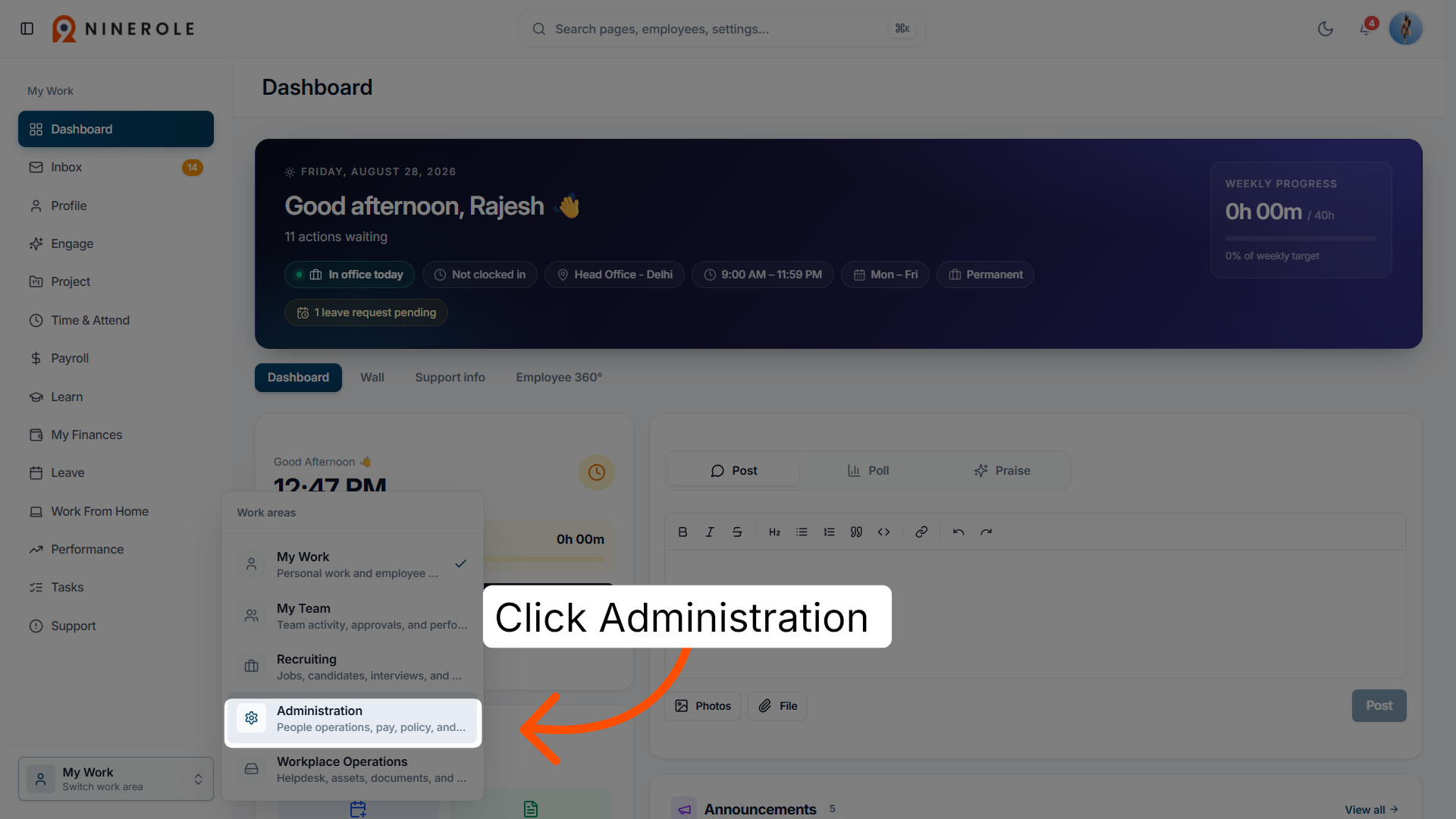
Click Administration — for people operations, pay, policy, and reporting — to access the HR management features.
4. Access the Learning module
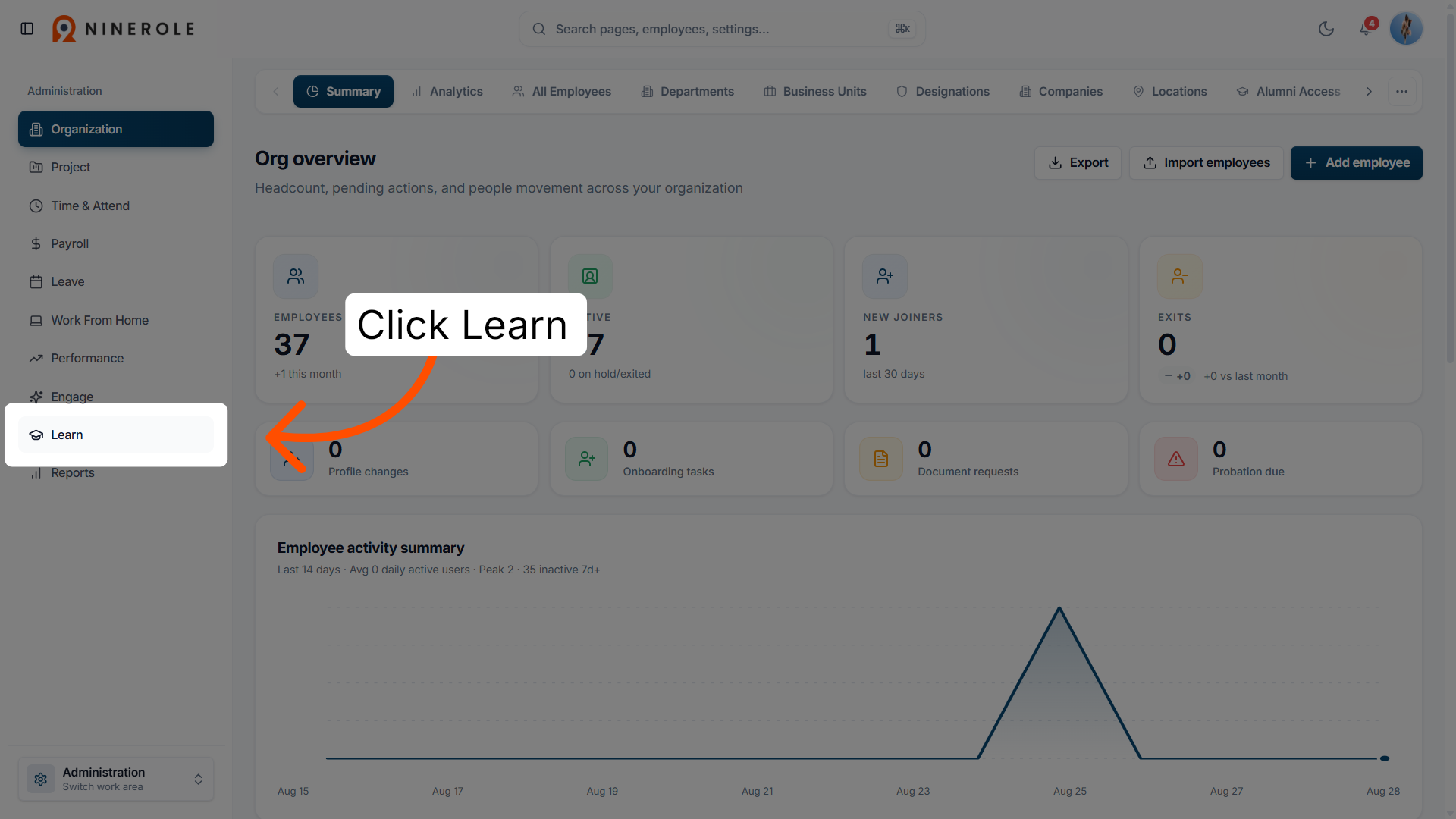
Click Learn to enter the learning and development section of the platform.
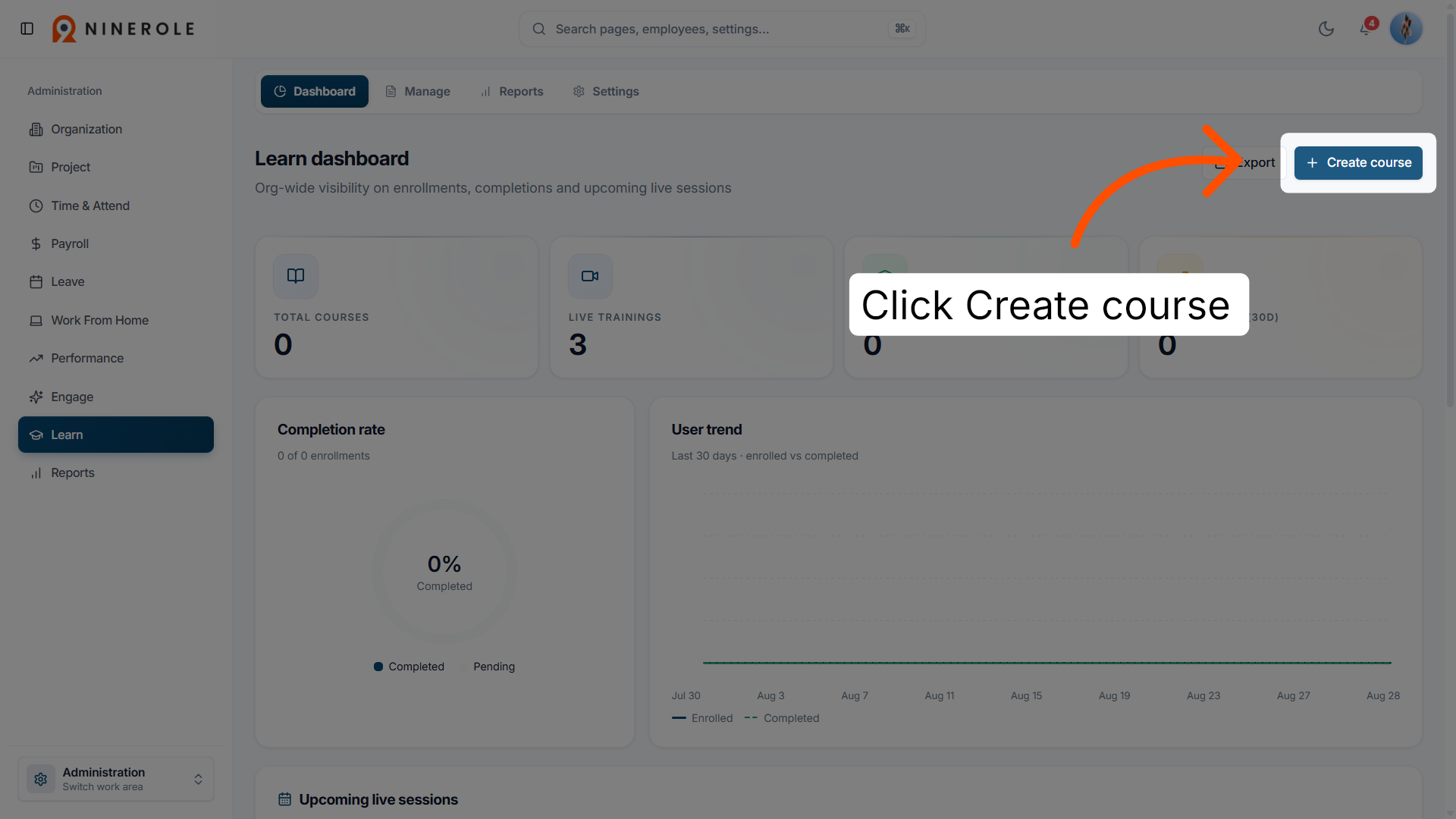
5. Initiate course creation
Click Create course to start setting up a new training course.
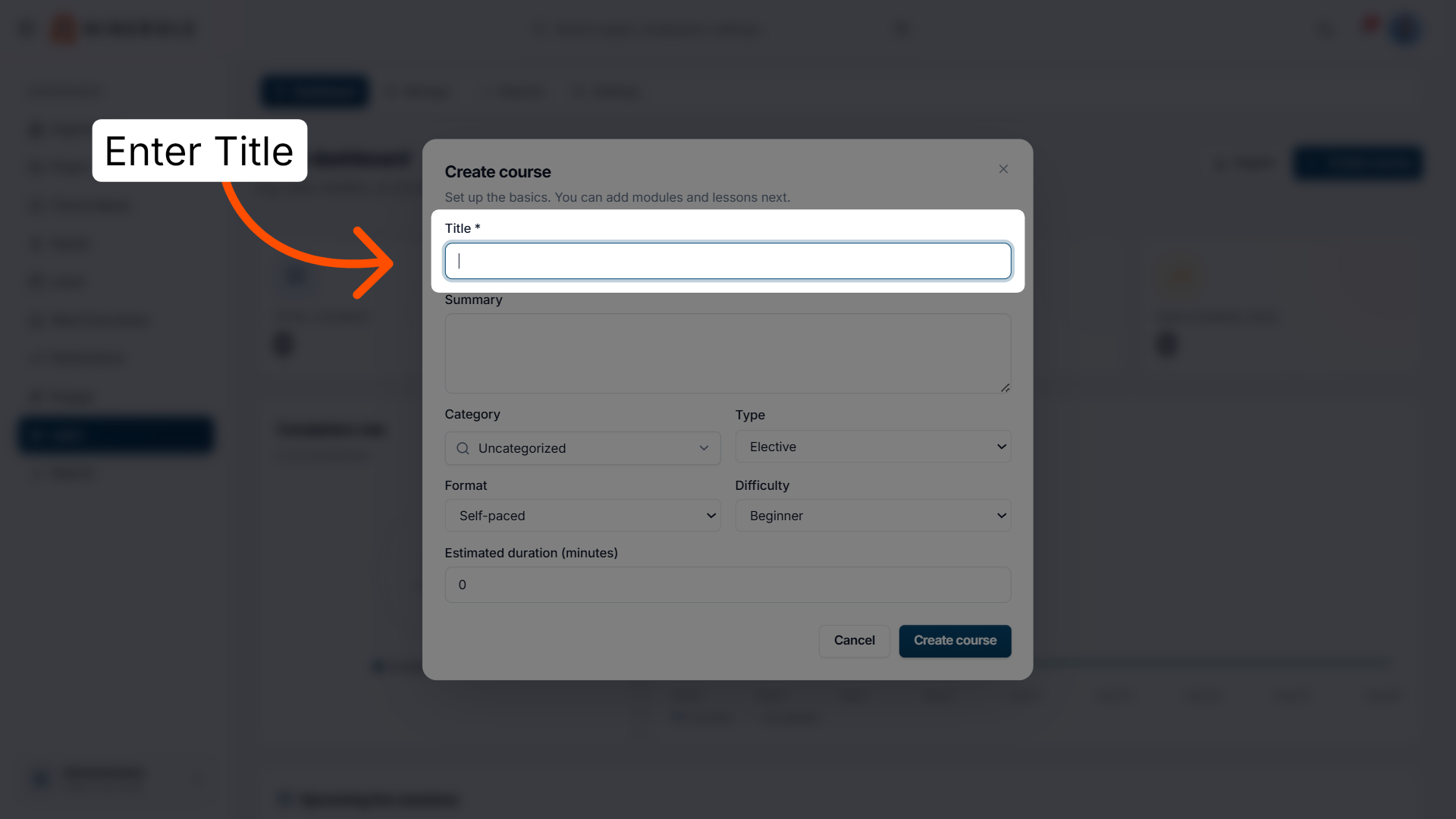
Configure the course details
6. Select the course title field
Click Title to enter the name of your new course.
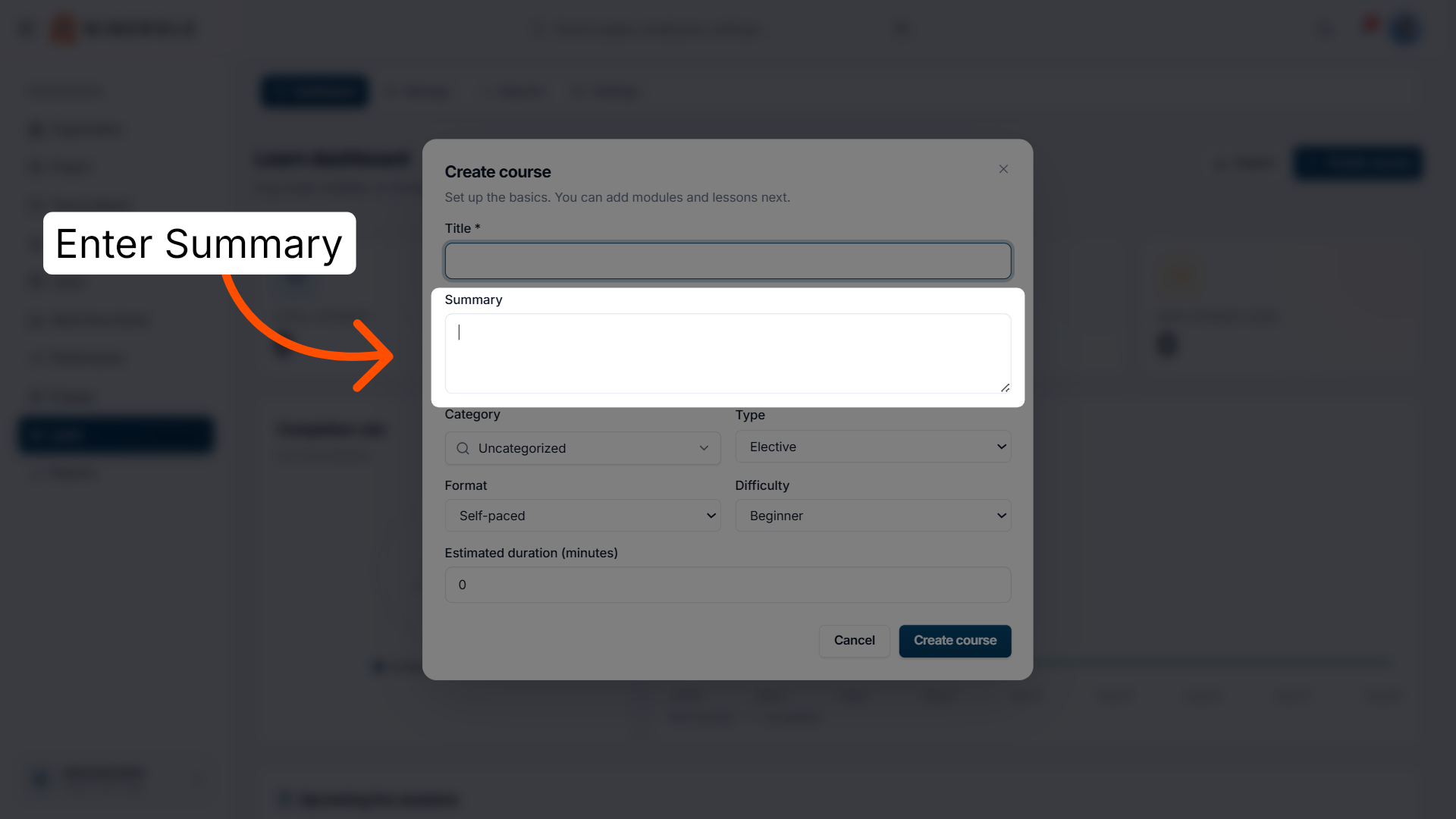
7. Enter the course summary
Enter Summary to provide a brief description of the course content.
8. Open the category selector
Open the category selector to see the available course categories.
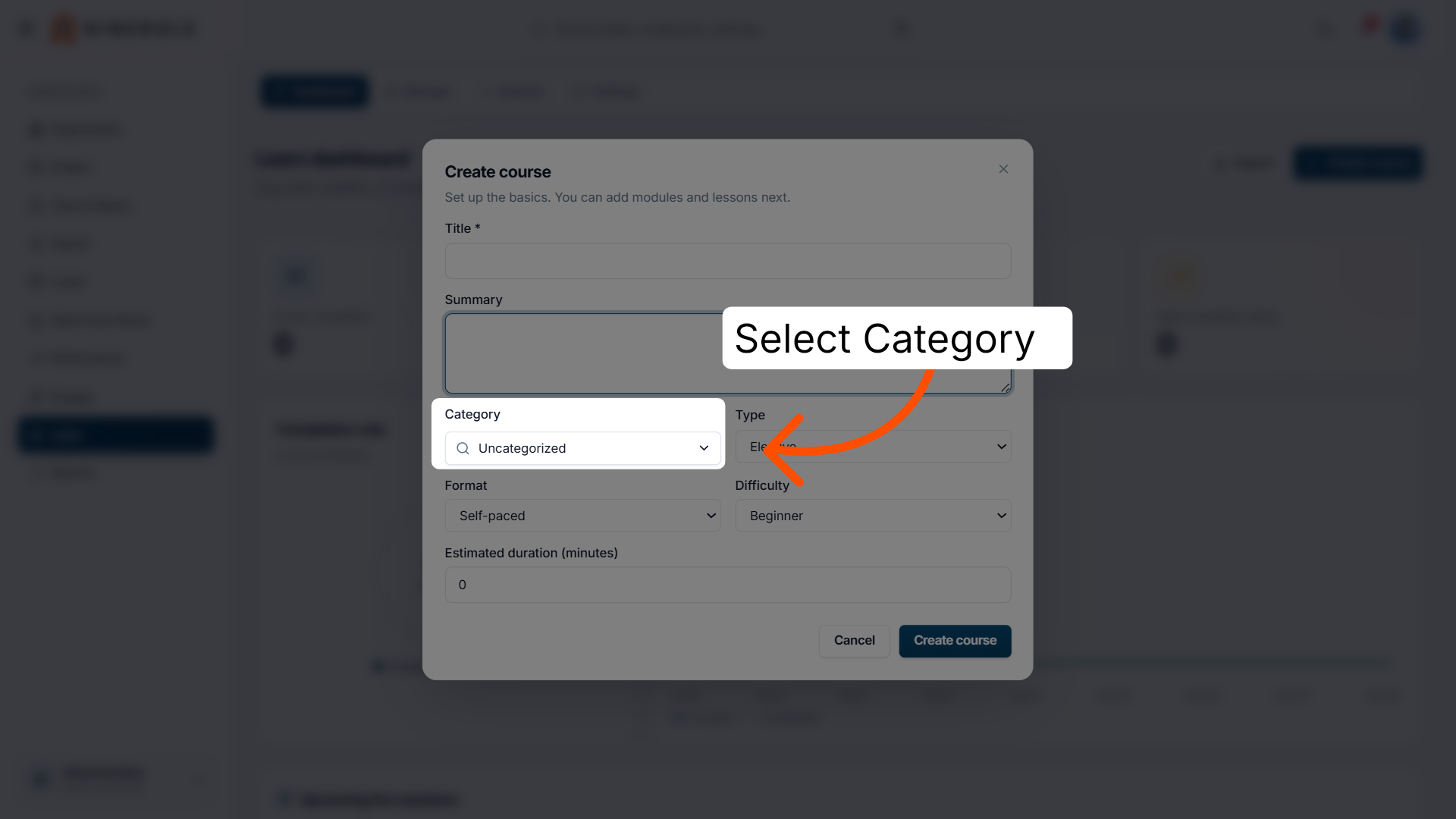
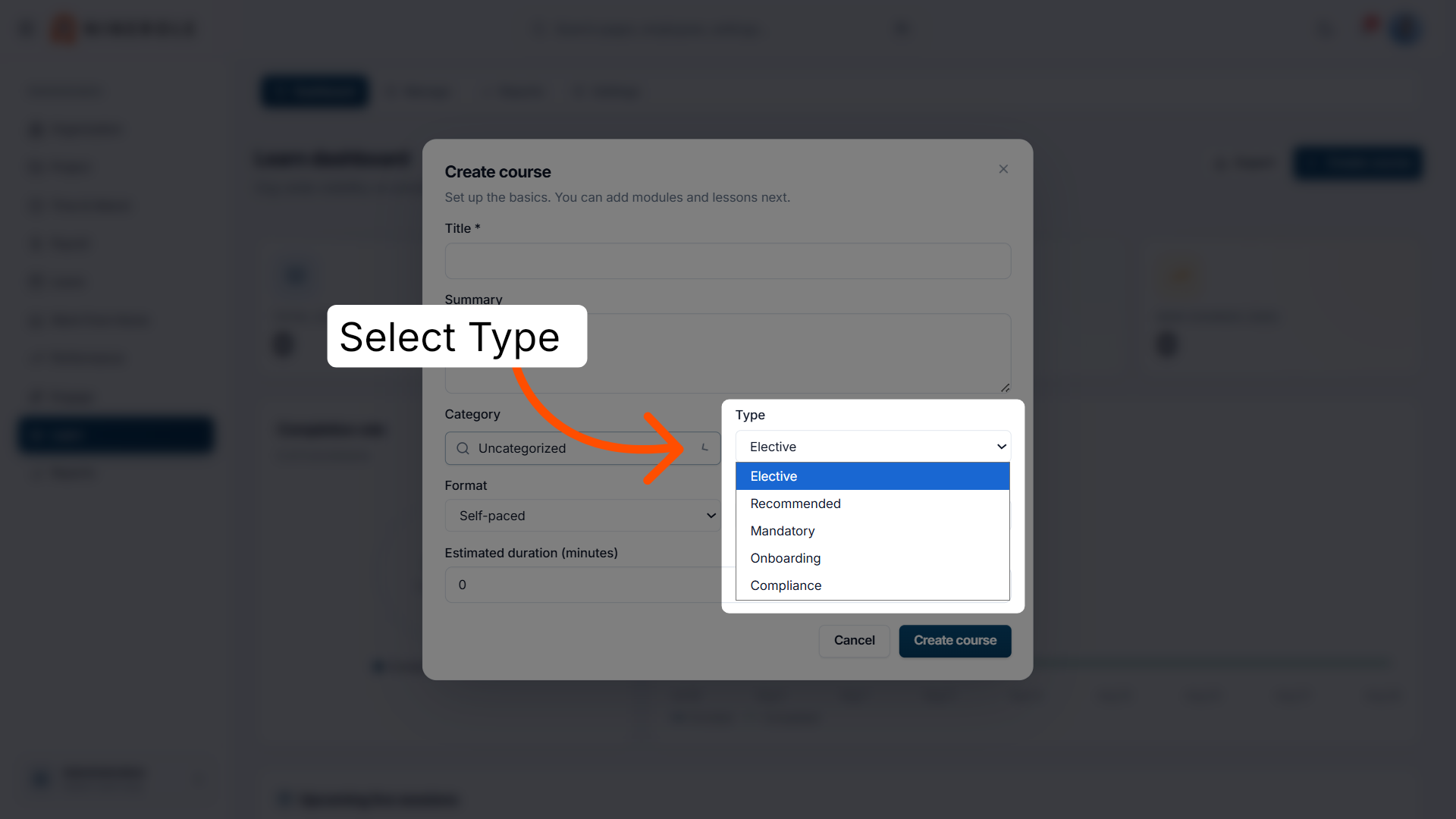
9. Choose the course category
Select the appropriate category:
- Elective
- Recommended
- Mandatory
- Onboarding
- Compliance
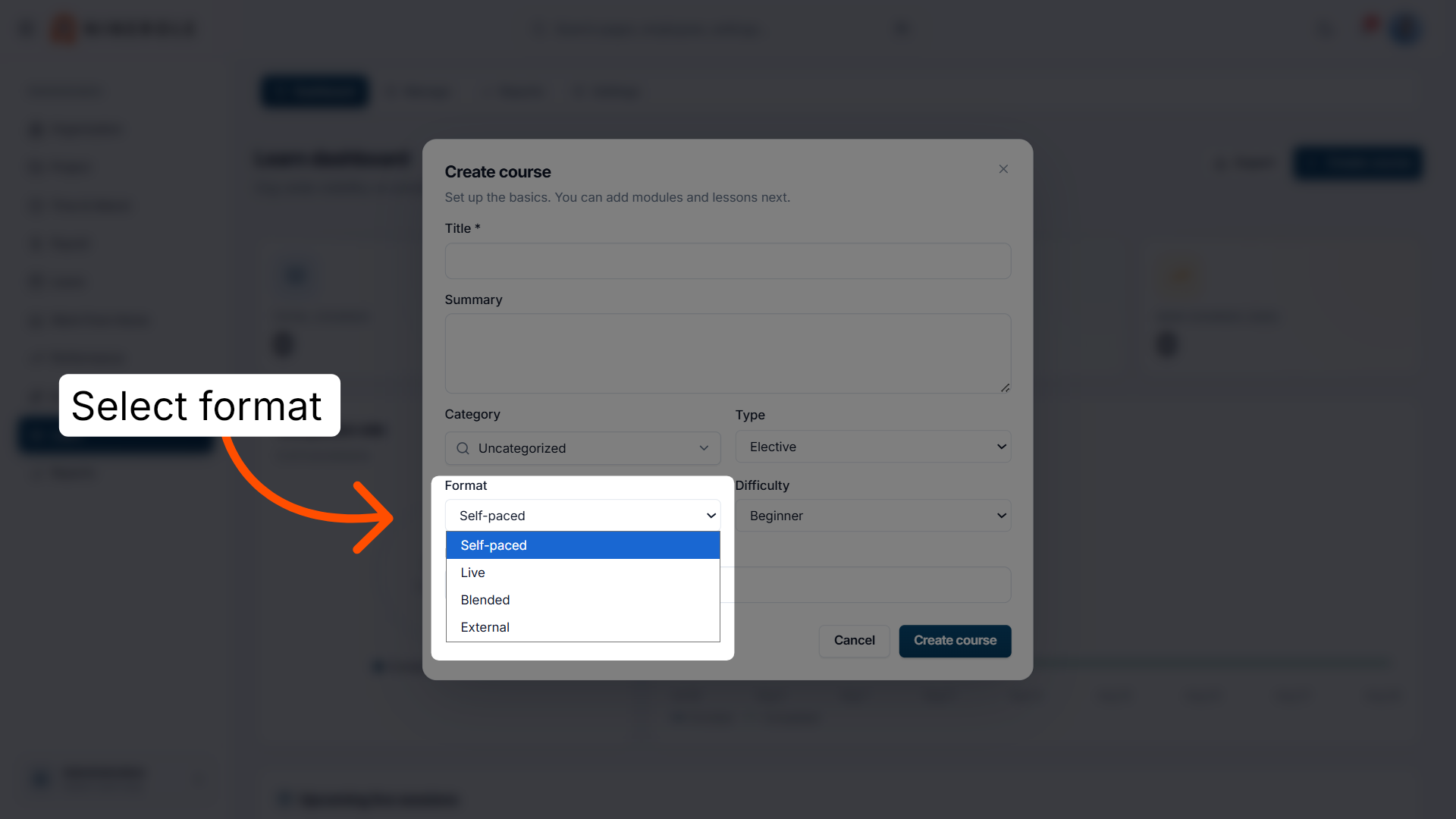
10. Select the course format
Select the course format — Self-paced, Live, Blended, or External — to specify the delivery method.
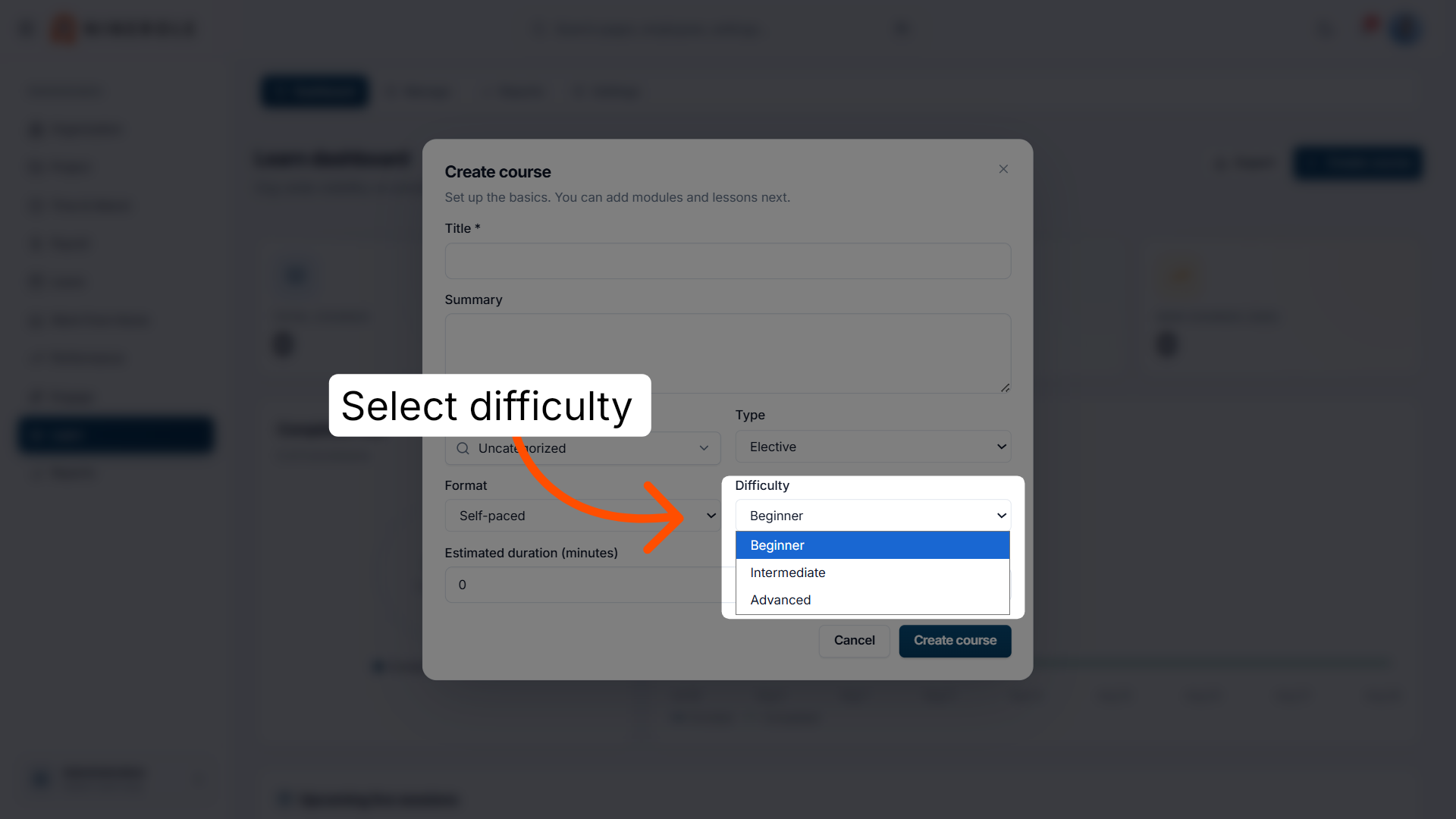
11. Set the course difficulty level
Select Beginner, Intermediate, or Advanced to define the skill level the course targets.
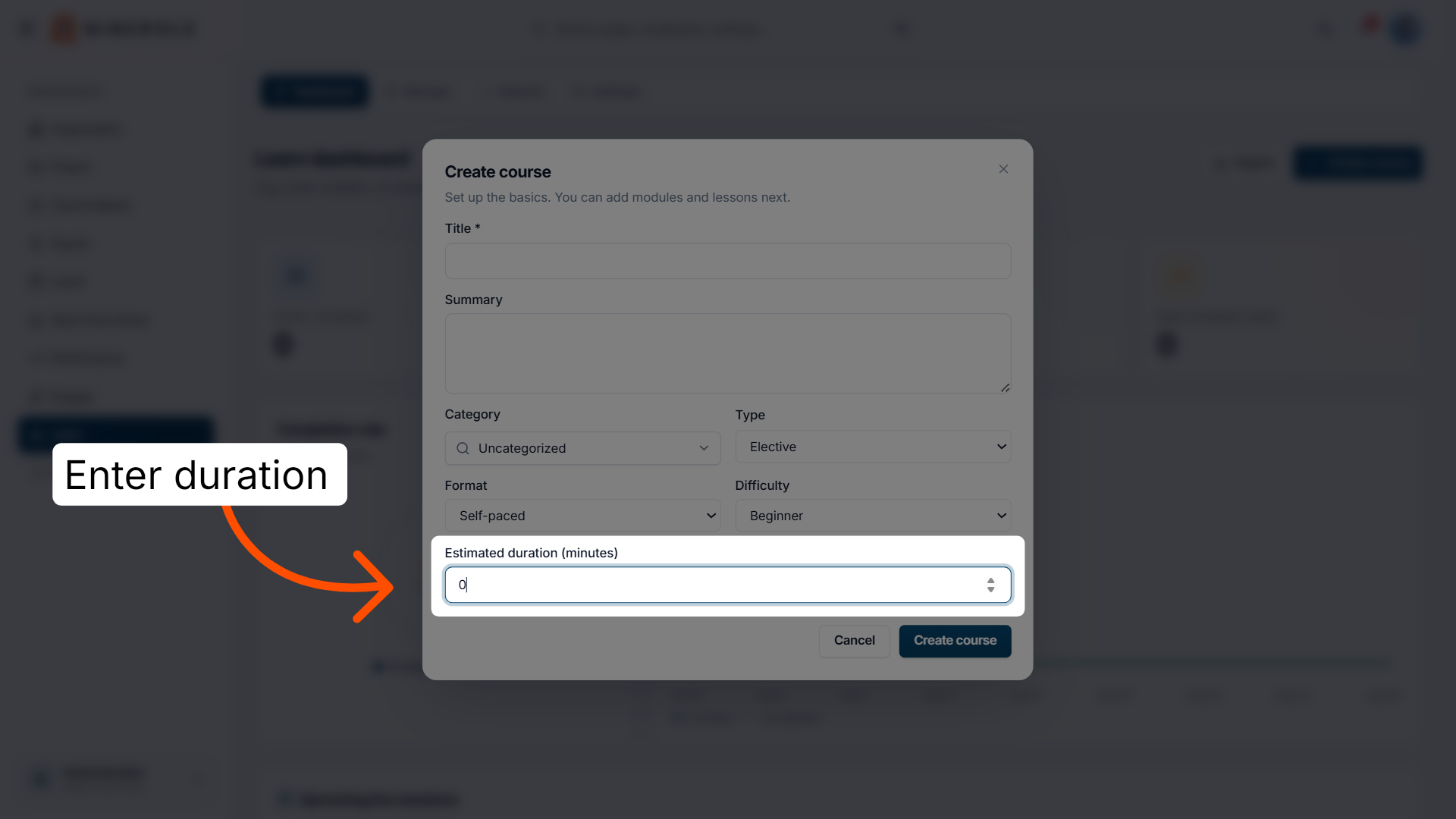
12. Specify the estimated duration
Enter Estimated duration (minutes) to record the expected time required to complete the course.
Save and export
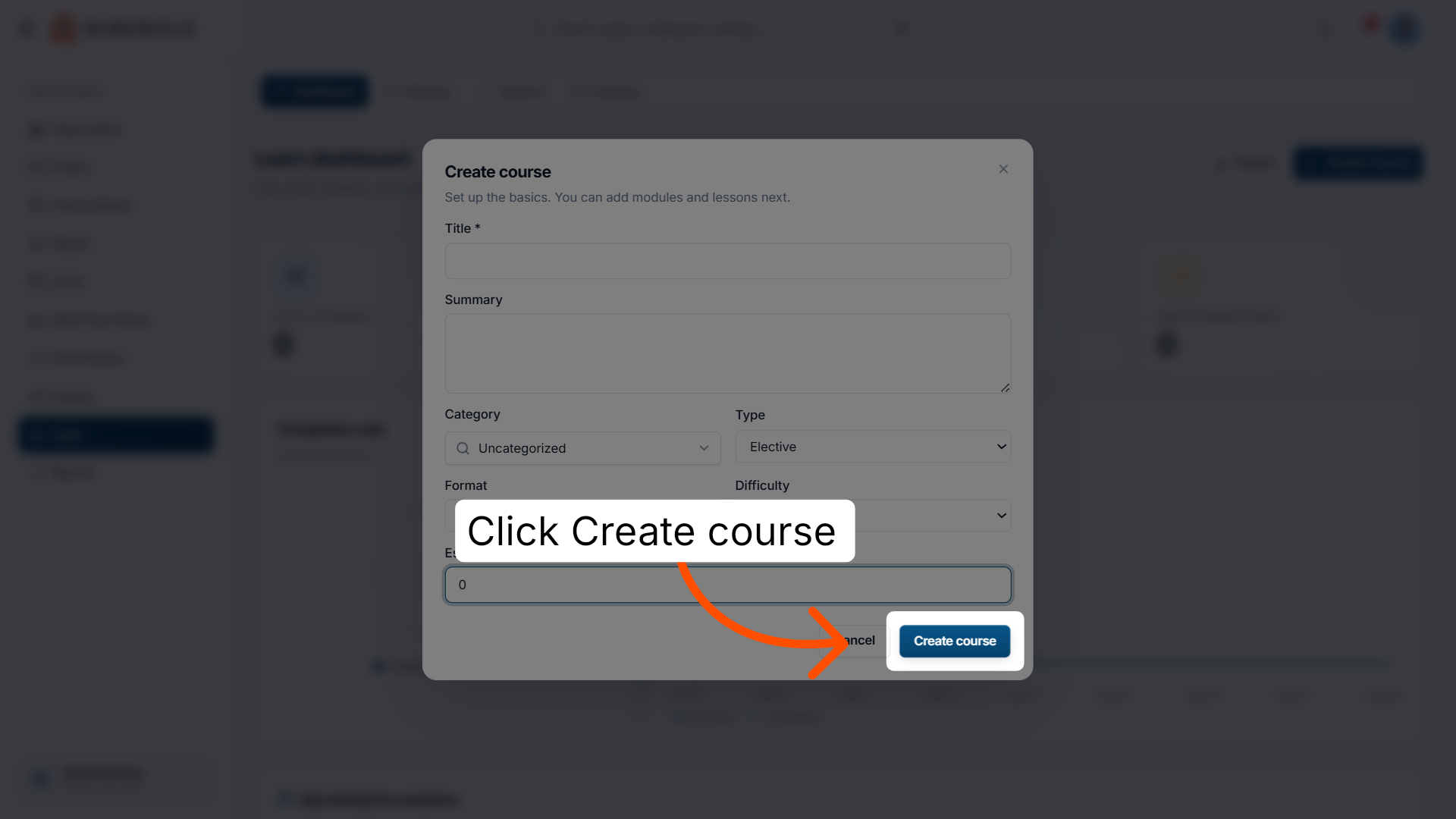
13. Finalize the course creation
Click Create course to save your new course and add it to the learning catalog.
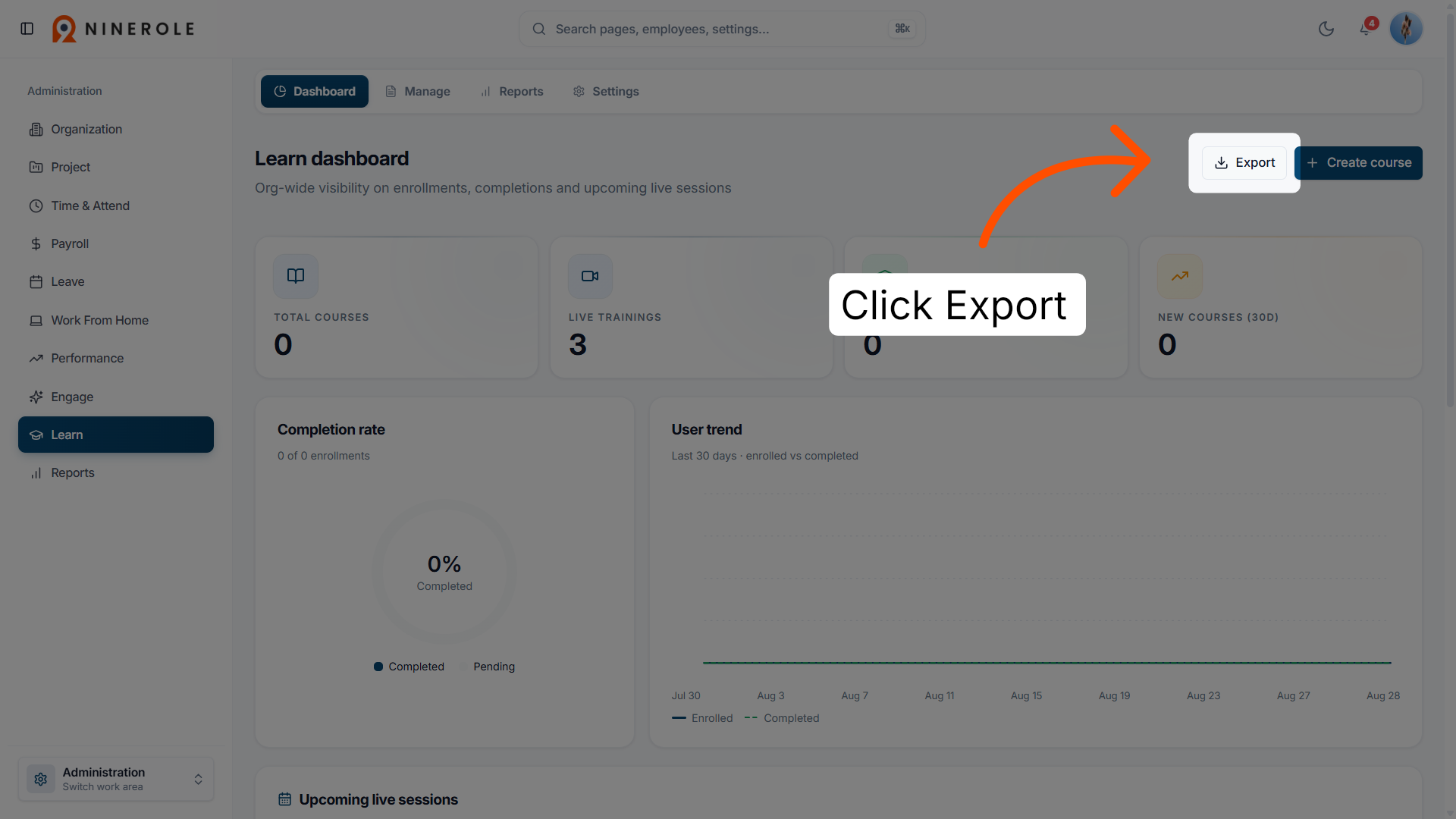
14. Export course data
Click Export to download course information for reporting or backup purposes.
You have successfully created and managed courses within the Ninerole HRMS platform. Use these steps to configure course details and export data as needed for your organization's training needs.
Back to Learning · all modules · Ninerole HRMS overview
Last updated: