

Helpdesk: Efficient Employee Support
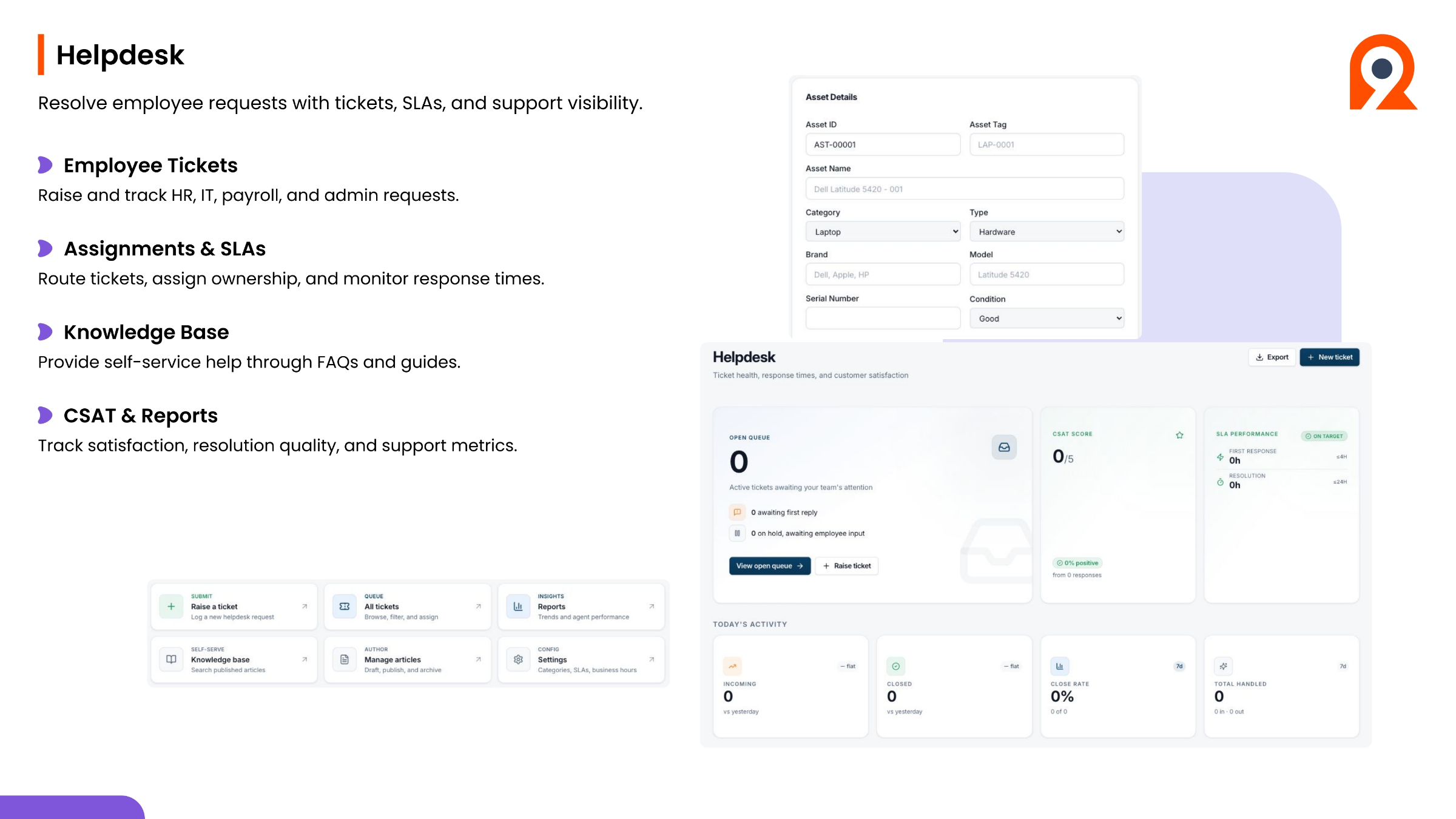
The Helpdesk module in Ninerole is designed to resolve employee requests efficiently with tickets, SLAs, and comprehensive support visibility. It allows employees to raise and track various requests, including HR, IT, payroll, and admin queries. The system manages assignments and SLAs, routing tickets, assigning ownership, and monitoring response times to ensure timely resolution. A knowledge base provides self-service help through FAQs and guides, so employees can to find answers independently. Additionally, CSAT and Reports track satisfaction, resolution quality, and overall support metrics, enabling continuous improvement in service delivery.
Step-by-step guides
Back to all modules · Ninerole HRMS overview
Common questions
How do I raise a support ticket?
Choose the category — HR, IT, payroll or admin — add a subject and description, and submit. Full guide
What is the difference between a support ticket and an operations ticket?
Support tickets route to HR, IT, payroll or admin. Operations tickets cover assets, facilities and devices. Full guide
How do I assign an asset to an employee?
Create the asset record in the inventory first, then assign it. Full guide